

A Complete Guide
If you have recently joined the next generation of console gaming, you likely know that the landscape has shifted. Whether you own the standard console or the sleek PS5 Digital Edition, knowing how to buy PS5 digital games efficiently is the key to building a massive library without breaking the bank. Many gamers find themselves frustrated by the high prices of the official PlayStation Store, searching for alternative ways to get their favorite titles instantly and affordably.
The transition from physical discs to a digital-only lifestyle offers incredible convenience, but it also comes with questions about licensing, storage, and where to find the best deals. In this guide, I will provide an honest, expert walkthrough of the digital marketplace. We won’t just look at the “Buy” button on your console; we will explore how to leverage third-party platforms like Instant Gaming to secure massive discounts, how to manage your digital assets, and the step-by-step process of redeeming codes to ensure your gaming experience is seamless and budget-friendly.
Overview: The Shift to a Digital PS5 Ecosystem
The PlayStation 5 has redefined what we expect from a home console. With its ultra-high-speed SSD and immersive DualSense controller, the hardware is a beast. However, the software side—specifically how we consume it—is where the real revolution is happening. When you look into how to buy PS5 digital games, you aren’t just looking for a transaction; you’re looking for a service.
Digital gaming is no longer a niche for “indie” titles. Triple-A blockbusters like God of War Ragnarök and Spider-Man 2 are now primarily consumed via download. For owners of the PS5 Digital Edition, this isn’t just a preference—it’s a necessity. This guide focuses on the most reliable methods to acquire these games, focusing on safety, speed, and cost-effectiveness. By the end of this review, you will understand the ecosystem of the PlayStation Network (PSN) and how to navigate third-party retailers to get more play for your pay.
Key Features of the PS5 Digital Marketplace
When exploring how to buy PS5 digital games, it is important to understand the features that make this method superior to traditional physical media for many users.
- Instant Access and Pre-loading: One of the standout features of buying digital is the ability to pre-load games. If you purchase a highly anticipated title before its release date, your PS5 will download the data in advance. The moment the clock strikes midnight on launch day, you are ready to play.
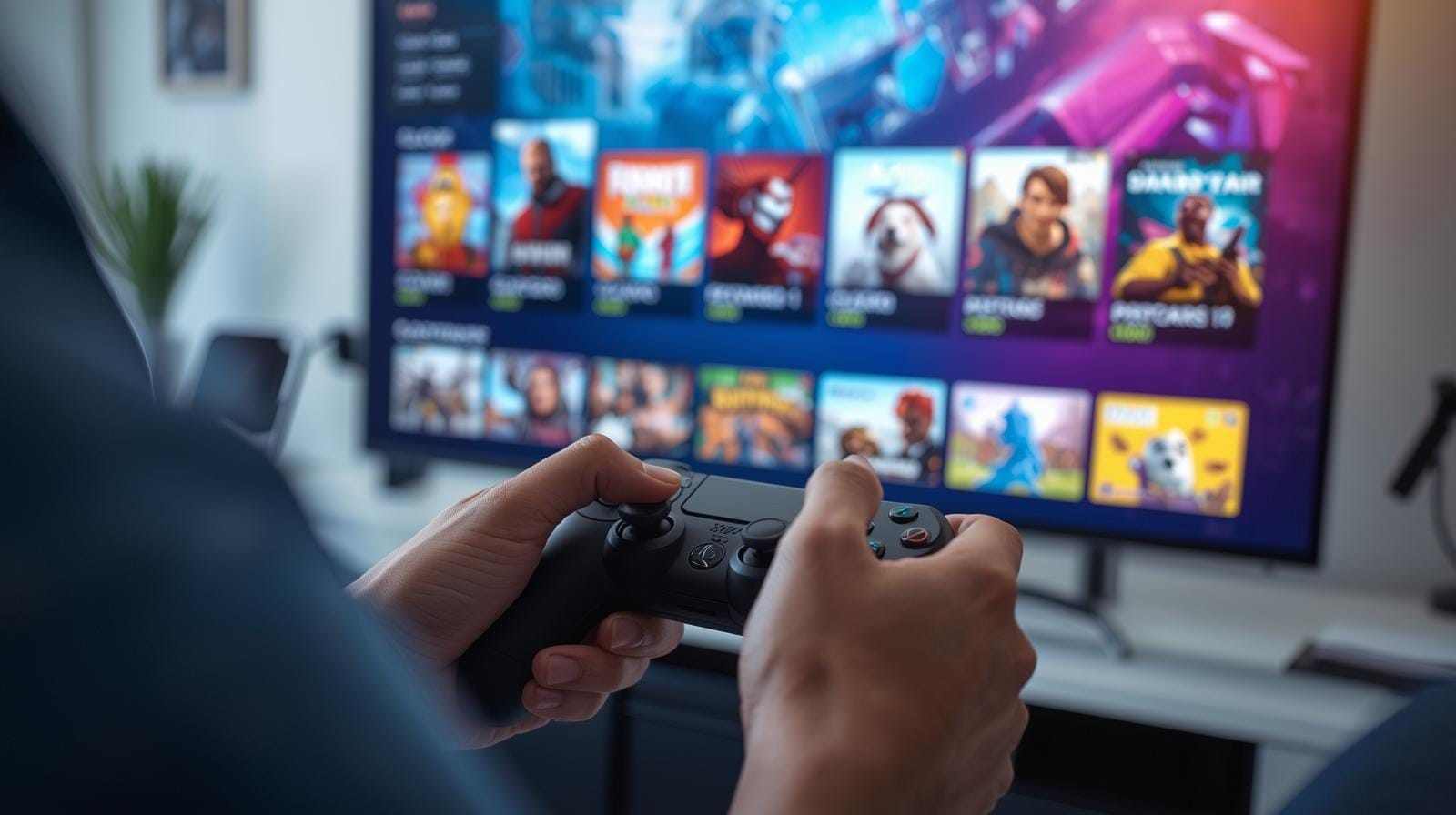
- The Integrated PlayStation Store: The primary hub for all digital content is the PS Store, accessible directly from the PS5 home screen. It features a streamlined UI that allows you to browse by genre, price, or “deals” sections.
- Third-Party Digital Codes: Many gamers don’t realize they can buy “keys” or digital codes from external retailers. Platforms like Instant Gaming allow you to purchase a code for a specific game or PSN credit at a lower price than the official store. You then simply enter this code into your console.
- Remote Purchasing: Through the PlayStation App on your smartphone, you can buy a game while you’re at work or school and trigger the download on your home console remotely.
- Cross-Gen Bundles: Many digital purchases include both the PS4 and PS5 versions of a game, ensuring that if you haven’t fully moved your old console out of the bedroom, you can still play your new purchases there.
Benefits: Why You Should Go Digital
Understanding how to buy PS5 digital games unlocks several lifestyle and financial benefits that physical discs simply cannot match.
1. Unbeatable Convenience and Space Saving
The most immediate benefit is the lack of physical clutter. You no longer need shelves of plastic cases gathering dust. Your entire library is stored in the cloud and on your SSD. Switching between Call of Duty and Elden Ring takes seconds—no more getting up to swap discs.
2. Significant Cost Savings via Third-Party Keys
If you only buy directly from the PSN Store, you are often stuck with MSRP prices. However, when you learn how to buy PS5 digital games through reputable resellers, you can save anywhere from 10% to 50%. These sites buy codes in bulk from regions where prices are lower or during massive sales, passing those savings on to you. For a $70 game, saving $15 adds up quickly over a year.
3. Protection Against Physical Damage
Discs can get scratched, lost, or stolen. A digital license is tied to your PlayStation Network account forever. If your console breaks or you upgrade to a “PS5 Pro” in the future, you simply log in and redownload your entire collection.
4. Early Access and Digital Deluxe Bonuses
Digital versions often come with exclusive “Digital Deluxe” content—soundtracks, artbooks, and in-game skins—that are sometimes harder to find in physical “Standard” editions.
Detailed Step-by-Step: How to Buy PS5 Digital Games
For those wondering about the actual process, here is the most efficient way to do it.
Method A: The Official PlayStation Store
- Navigate to the Store icon on your PS5 home screen.
- Use the search bar to find your desired title.
- Select the version (Standard, Deluxe, etc.).
- Add to cart and proceed to checkout using a credit card or existing wallet balance.
Method B: Using Third-Party Codes (The “Pro” Way to Save)
This is the preferred method for savvy gamers looking for cheap PS5 games.
- Visit a Trusted Site: Go to a platform like Instant Gaming.
- Search for PSN Gift Cards or Games: Often, buying a discounted $50 PSN gift card for $42 is the best way to save.
- Complete Purchase: You will receive a digital code instantly via email.
- Redeem on PS5: Go to the PS Store > “…” (More) > Redeem Code. Enter your 12-digit code.
- Buy the Game: Use your newly topped-up wallet to buy the game on the official store. You’ve just saved money on a game that isn’t even on sale yet!
Pros and Cons of Digital PS5 Gaming
Pros
- Speed: No waiting for shipping or driving to a store.
- Quiet Operation: The PS5 disc drive can be loud; digital games run silently from the SSD.
- Game Sharing: You can “Primary” your console to share your digital library with a family member in the same household.
- Environmental Impact: No plastic manufacturing or carbon footprint from shipping.
Cons
- No Resale Value: Unlike discs, you cannot sell a digital game once you are finished with it.
- Storage Management: High-end games are huge (100GB+). You may eventually need an M.2 SSD expansion.
- Internet Dependency: You need a decent connection to download the games initially.
Comparison: PSN Store vs. Third-Party Resellers
| Feature | Official PSN Store | Instant Gaming / Third-Party |
|---|---|---|
| Price | Usually full MSRP ($69.99+) | Often discounted (up to 20-30% off) |
| Refunds | Very strict (no refunds if downloaded) | Varies, but usually focused on code validity |
| Trust Factor | 100% (First-party) | High (if using reputable sites) |
| Selection | Every game available | Mostly popular titles and gift cards |
When comparing how to buy PS5 digital games on the official store versus a reseller, the choice usually comes down to price. If a game is on sale on the PSN Store, buy it there. If it’s a new release at full price, check a reseller first—you can almost always find a discounted gift card to lower the entry price.
Who Is This For?
This is perfect for:
- Owners of the PS5 Digital Edition who have no other choice but to go digital.
- Gamers who want to save money using discounted PSN credit.
- People who value a clean, minimal living space without physical media.
- Competitive players who want the fastest load times and “instant switch” capabilities.
This might not be for you if:
- You have very slow or capped internet data.
- You enjoy collecting physical “Steelbook” editions.
- You rely on trading in old games to buy new ones.
Pricing and Value: Is it Worth It?
The value proposition of digital gaming has skyrocketed. While the initial “sticker price” of $70 for a new PS5 game is high, the frequency of digital sales is much higher than in the PS3/PS4 era. Every two weeks, the PS Store refreshes its “Deals” section.
Furthermore, by mastering how to buy PS5 digital games through the use of gift card arbitrage (buying a $100 card for $85), you are effectively getting a permanent 15% discount on everything—including DLC, in-game currency, and subscriptions like PlayStation Plus. When you factor in the time saved and the security of your library, the value is undeniable.
Customer Insights: What Other Gamers are Saying
Across forums like Reddit and ResetEra, the sentiment toward digital gaming on PS5 is overwhelmingly positive, especially regarding the SSD’s performance.
“I haven’t bought a physical disc in three years. The convenience of just clicking a button and having the game ready is worth the lack of resale value for me. Plus, using sites like Instant Gaming for my PSN Top-ups has saved me hundreds.” – Verified User, Gaming Forum.
“I was worried about storage, but I bought an M.2 expansion and now I have 50+ PS5 games ready to go. Learning how to buy PS5 digital games via sales has made my hobby much more affordable.” – PS5 Digital Owner.
Conclusion: Take Control of Your PS5 Library
Learning how to buy PS5 digital games is more than just a technical hurdle; it’s a way to modernize your gaming life. By combining the convenience of the PlayStation Store with the savvy savings of third-party digital codes, you can build a premium library for a fraction of the cost. The digital era is here to stay, offering faster access, better organization, and more frequent opportunities to save.
Whether you’re grabbing the latest “Game of the Year” contender or a hidden indie gem, the methods outlined in this guide ensure you’re getting the best possible deal. Don’t let high MSRP prices stop you from experiencing the best that the PS5 has to offer.
